Media
Press kit
Brand assets and a short product summary for articles, reviews, and partner mentions. More files coming soon — placeholders mark where images will live.
Contact pressBoilerplate
HighShot is a Chrome extension to annotate pages and blur sensitive data before you screenshot or screen share. Mark up any tab with highlighter, pen, shapes, and blur — then capture viewport, area, or full page with your markup burned in. Interact mode lets you use the site while Markup Mode stays on.
At a glance
- Product
- HighShot — annotate, blur, and capture in Chrome
- Platform
- Google Chrome (extension)
- Licensing
- Free tier + Lifetime License
- Website
- highshot.site
Brand assets
Use these when covering HighShot. Replace the placeholders with final files when they’re ready.
Logo
Primary HighShot logo on a light background.
Download
Wordmark
HighShot wordmark for headers and bylines.
Download
App icon
Extension / app icon for lists and social avatars.
Download
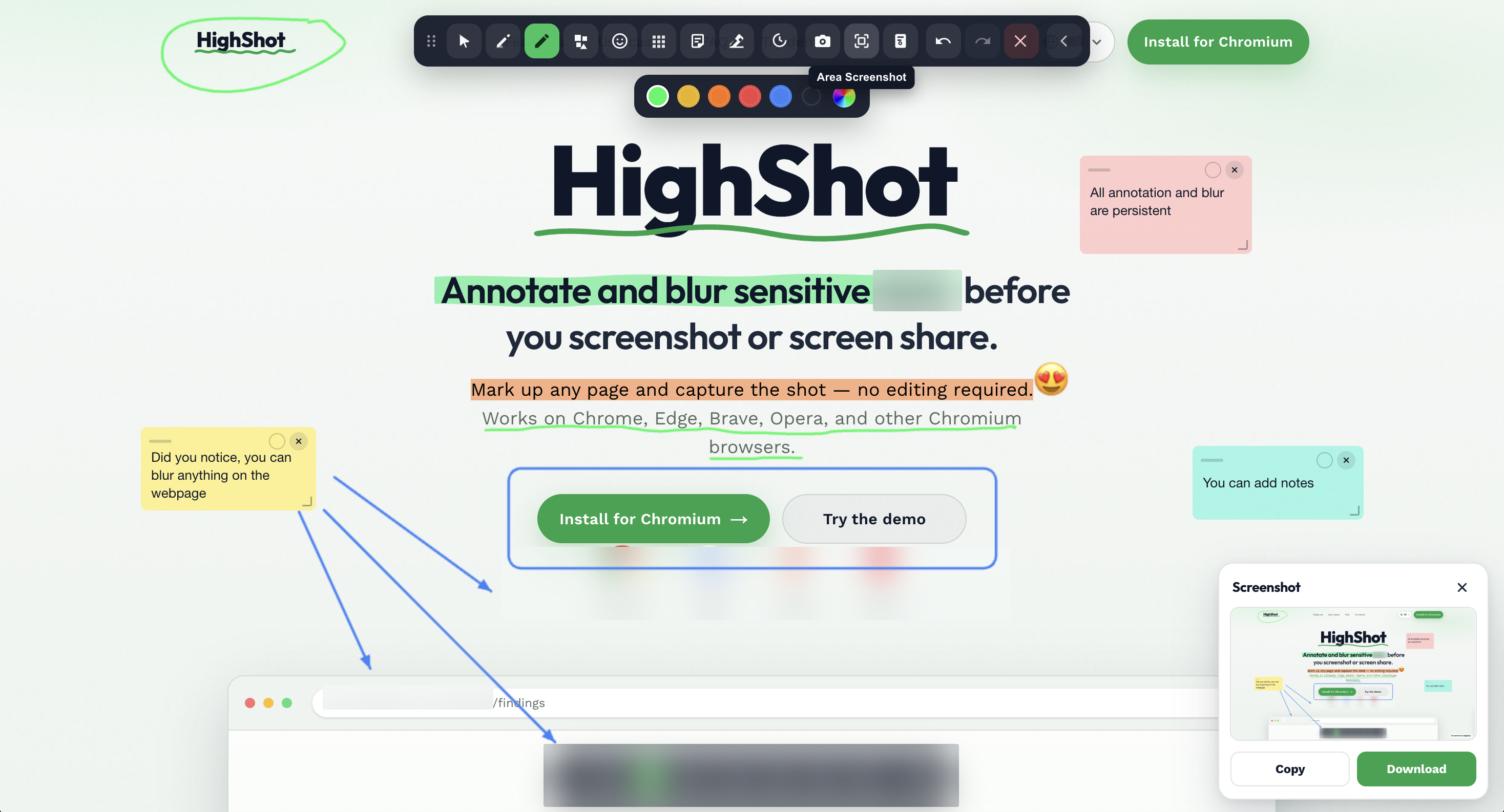
Product screenshot
Markup Mode on a sample page — highlighter and toolbar.
Download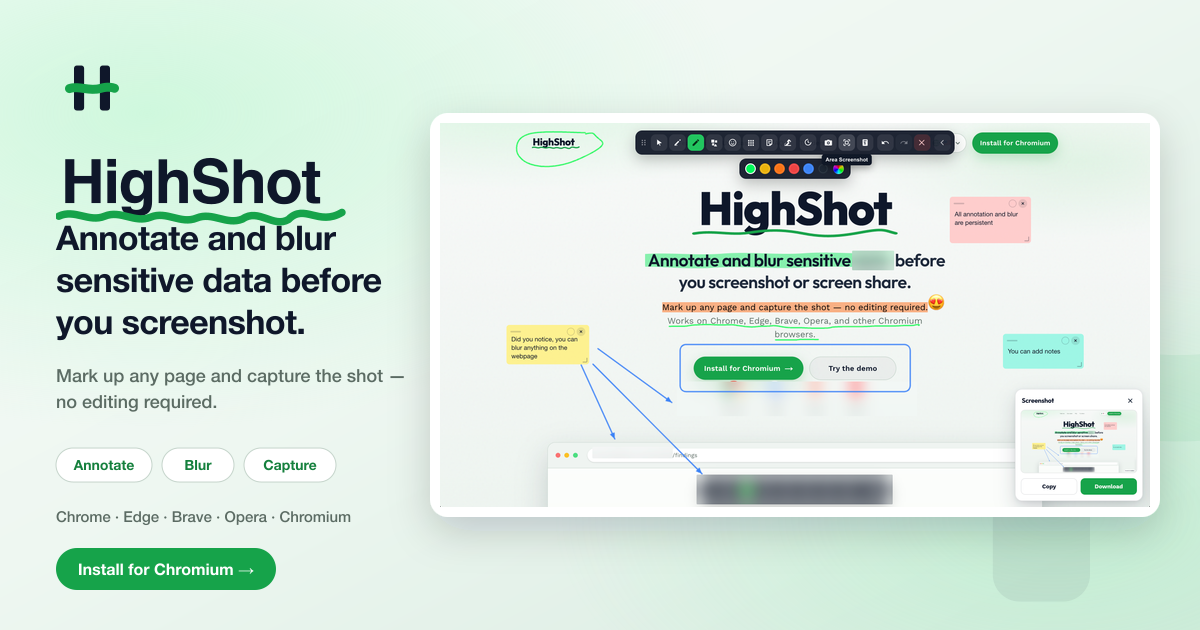
Social share image
Open Graph / social card artwork (1200×630).
DownloadUsage
Please don’t alter colors, proportions, or clear space around the logo. Don’t imply endorsement without asking. For custom crops or high-res files, email press.